
Announcements
If you're looking for a program or application to read unlimited books, there are plenty of options out there.
Many of these apps offer accessibility features, organization of your library and even access to book stores, including repositories with free works in Portuguese for download.
Here we present 7 free apps for reading unlimited books. Best of all, these options are available for Android and iPhone (iOS) smartphones as well as computers.
See the best apps and websites:
- Kindle Unlimited
- Kobo
- EPUB File Reader
- Bookviser Reader
- Adobe Digital Editions
- FBReader
- Cool Reader
7 apps to read unlimited books
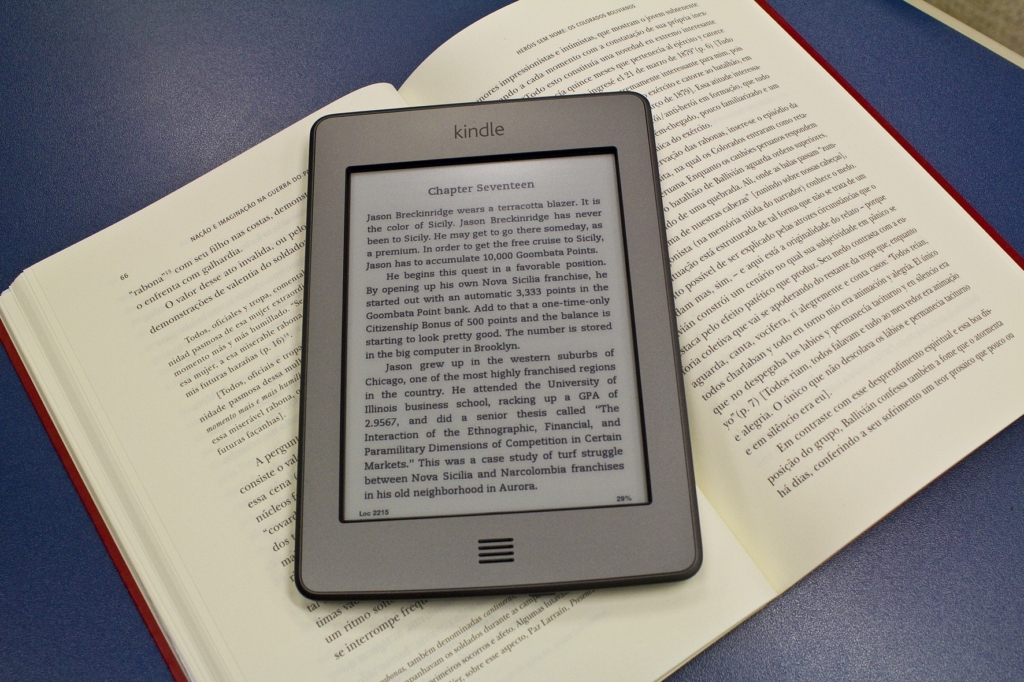
There are several options available for reading ebooks, and here are some of them:
1. Kindle Unlimited
The Amazon app is great for reading ebooks. As well as accessing Amazon books, you can organize your library and synchronize it with Kindle devices. You can highlight passages and share them with friends.
2. Kobo
Kobo is a Kindle competitor and is also good for reading ePubs. It has a variety of books, including some free ones.
You can customize the interface, organize your library and synchronize your books on different devices.
3. EPUB File Reader
This reader is simple and functional. It's easy to use, especially on touchscreen devices.
It accepts books in ePub and other formats, allows you to adjust the font size and color, offers a panoramic reading mode and supports chapters and divisions in the text.
4. Bookviser Reader
Similar to EPUB File Reader, Bookviser Reader has a more modern interface and is touchscreen friendly.
As well as reading ePubs, it supports books in FP2 format and offers synchronization with cloud folders and book sale and rental services. It has a free version and a paid version with advanced features.
5. Adobe Digital Editions
Adobe Digital Editions is good for books with copyright restrictions. You can download ePubs purchased from various stores.
However, the PC versions can be a little limited in terms of screen adjustment features and have a slightly old-fashioned interface.
6. FBReader
FBReader is simple and practical, although a little dated in the desktop versions. However, in the mobile and tablet versions, it offers settings for more enjoyable reading.
7. Cool Reader
Cool Reader supports a wide variety of file formats.
The PC versions may not be as good as those for mobile devices, but the application offers a high-quality interface, good performance and interesting configuration options for more enjoyable reading.
Most reading apps only release a certain number of books for free; if you want unlimited access, you'll need to subscribe to their plans.
How best to read online?
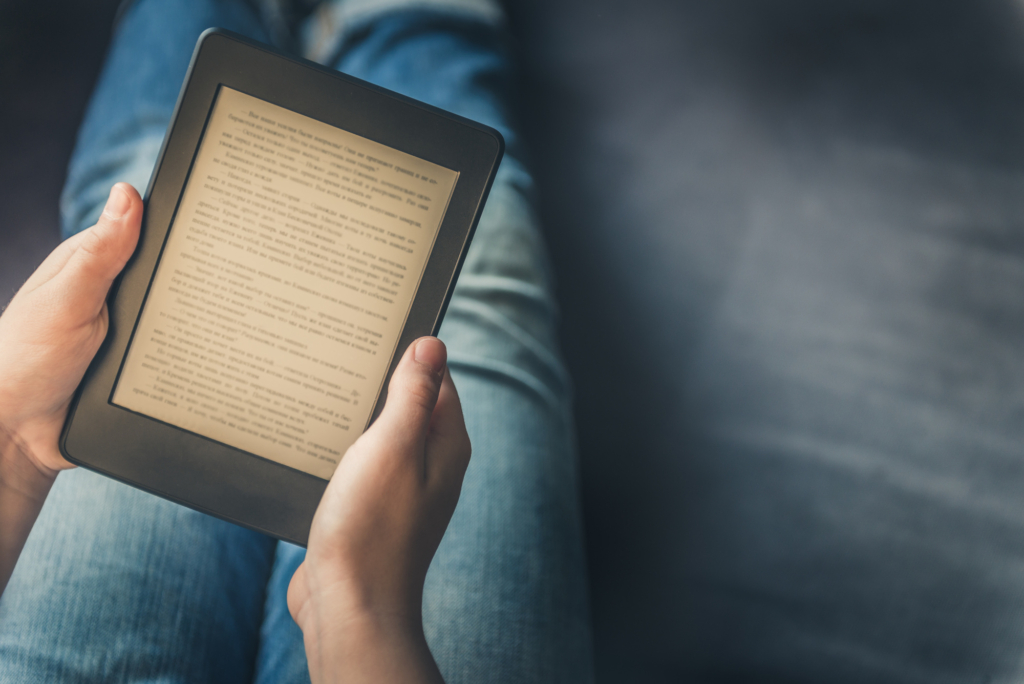
Now that we've shared with you the best apps for reading unlimited books, let's give you some important tips on how to read efficiently.
Adjust the brightness of the device
An important tip for reading books, whether online or offline, is to adjust the brightness of your device to make reading more comfortable for your eyes.
The brightness of laptop, smartphone and tablet screens can quickly tire out your eyes and make reading difficult. That's why it's essential to find the brightness settings and reduce them to the minimum necessary, keeping reading fluid.
Over time, as your eyes adapt, you'll be able to lower the brightness even more, reducing the negative impact on your vision and improving your reading experience.
Adjust the screen contrast
Another important aspect to improve e-book reading is to adjust the contrast level of your laptop or mobile device screen.
It is essential to find a balance between visual comfort and ease of reading, avoiding excessive contrast that forces your eyes.
It is also advisable to avoid reading in very dark environments, as the difference between the low ambient light and the light from the screen can cause visual discomfort, especially if you stay in this situation for a long time.
Use a program to reduce blue light
A great way to improve your reading experience, especially at night, is to use a program that reduces the blue light on your device's screen. This type of program adjusts the colors of the screen to reduce the blue glow.
The reason is that blue light can disrupt the production of melatonin, a hormone that regulates our biological clock and sleep. This means that reading on a device with a lot of blue light before bed can mess up our sleep cycle.
By using the filter, you can avoid this problem and make your reading more enjoyable. What's more, it can improve the viewing of videos and images too.
See also the full comparison between the Kindle and other reading devices: here! Questions about apps for reading unlimited books? Leave them below in the comments!
